How to Implement Accurate Skills Planning
 Redaktion : 16.11.2026
Learn how employee skills support better project staffing. Read Can Do’s English introduction to the Computerwoche ...


The digital world is moving faster than ever, and IT departments and software development teams are under constant pressure. Complex project portfolios, shifting priorities, limited capacity and growing competition for skilled people leave IT leaders and project managers facing the same question every day: How can we plan resources so that deadlines are met, teams are not overloaded and projects are delivered efficiently?
Artificial intelligence has an increasingly important role to play. Modern AI-supported project management solutions help improve forecasting accuracy and optimise resource planning, from strategic capacity assessment to the day-to-day allocation of individual developers.
Planning projects in this environment requires modern tools, transparent data and realistic resource plans. This is where AI in project management delivers measurable value: it makes skills visible, identifies bottlenecks early, assesses feasibility and helps build teams that can deliver.
 “Skilled professionals are scarce and expensive. AI-based software enables companies to identify their employees’ capabilities and deploy them precisely where they are needed. This allows project feasibility to be assessed on the basis of facts and planning mistakes to be avoided.”
— Thomas Schlereth, Managing Director of Can Do GmbH (translated from German)
This article explains why AI-based resource planning has become essential in IT, which challenges it addresses and how businesses can benefit.
Resource management in IT differs considerably from traditional sectors such as mechanical engineering or construction. Work is more knowledge-intensive, project cycles are more agile, and development effort is difficult to predict precisely in advance.
IT projects frequently change because of new requirements, security updates, emerging technologies or unexpected bugs. Capacity therefore often needs to be replanned at short notice.
Typical challenge: Teams become caught up in reprioritising work while important tasks remain unfinished.
Backend, frontend, UX, DevOps, QA and security: modern IT teams involve specialised roles that are rarely fully interchangeable. A lack of visibility quickly creates bottlenecks.
Typical challenge: Specialists are overloaded even though other team members have spare capacity.
Qualified developers, cloud architects and IT security specialists are difficult to recruit. Existing teams need to be deployed efficiently without burning out.
Typical challenge: Overloaded experts increase the risk of errors, delays and employee turnover.
Story points are not hours, velocity fluctuates, and the complexity of new features is difficult to predict.
Typical challenge: Sprint plans rely on subjective estimates rather than dependable data.
Concurrent projects, support tasks, technical debt and meetings make realistic capacity planning difficult.
Typical challenge: The project plan looks good until it becomes clear that nobody actually has time to do the work.
Modern resource management helps the right people work on the right tasks at the right time, without overloading them. It starts with integrated skills and role management: role profiles, competencies, certifications, experience and locations are recorded and matched against project requirements. AI in project management turns this into more than a list of data:
In matrix organisations and businesses operating across several locations, it is essential to make scarce specialist expertise visible throughout the company. Software identifies the skills required, assesses combinations of locations and teams, and suggests alternative staffing options.
Practical benefits:
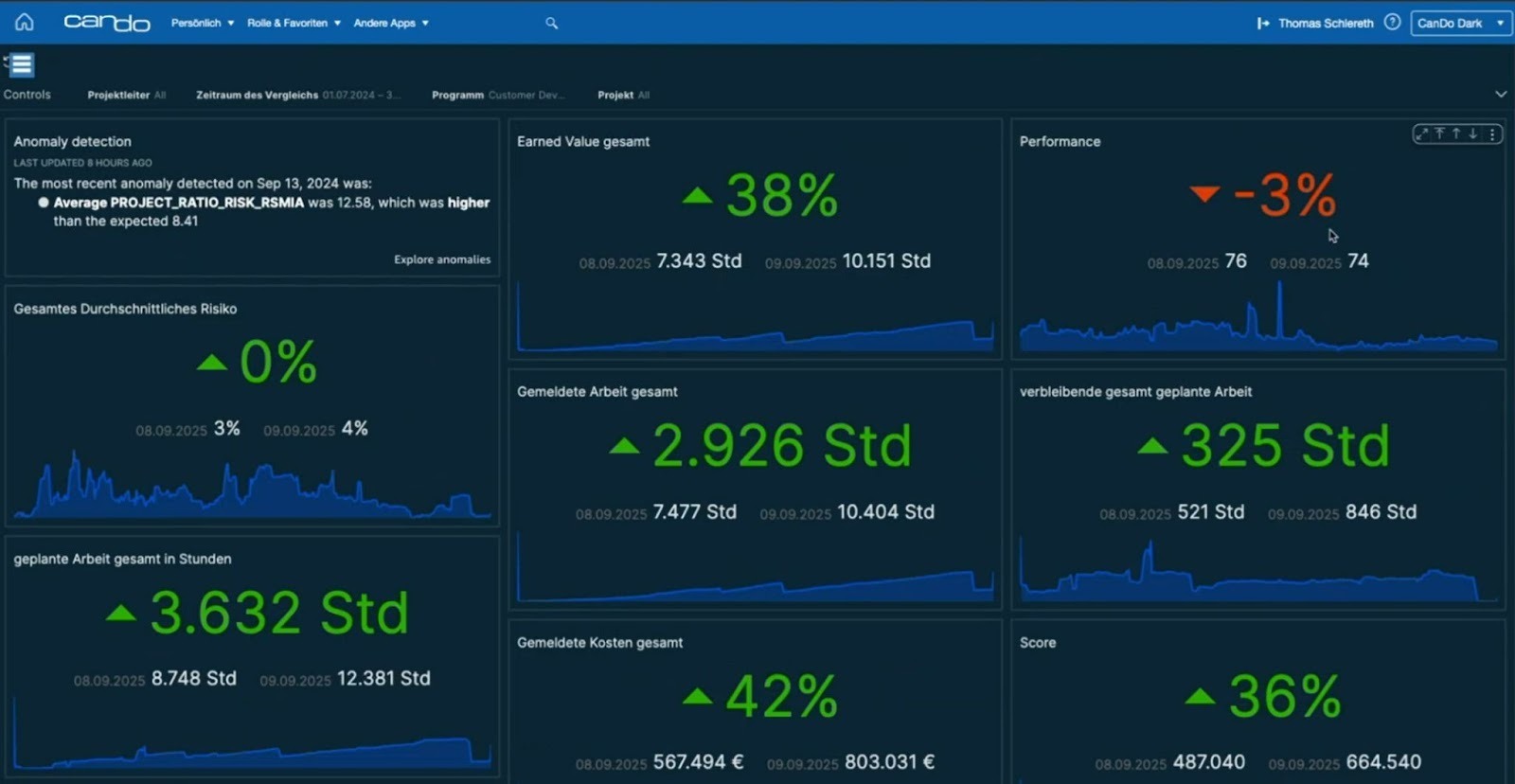
Automation is a major advantage. Based on practical experience described in the original article, project managers can save up to 25% of their project administration time, with department heads often saving even more. Allocation, schedule checks and status reporting become faster and more consistent. Additional benefits include:
Pattern recognition, simulations and neural networks expand what resource and skills management can do:
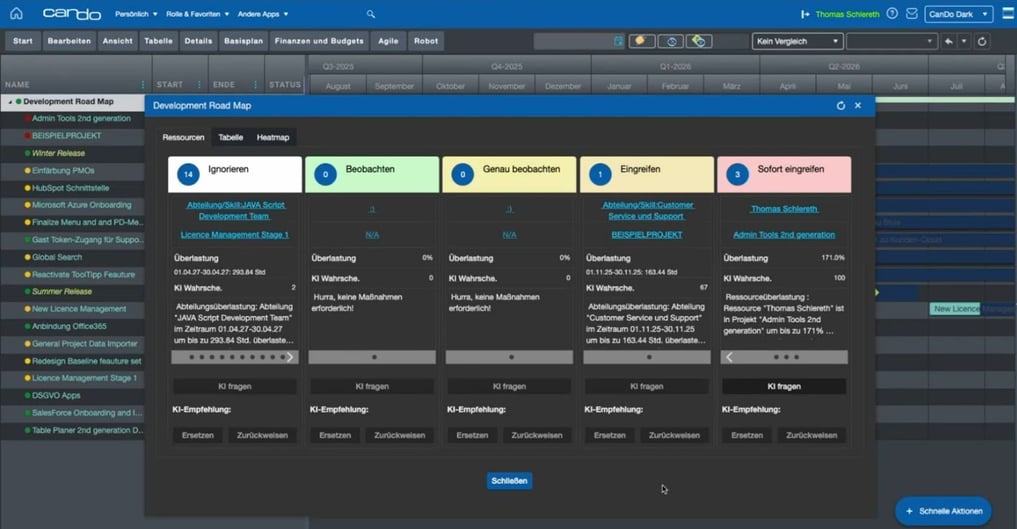
A key strength of neural networks is learning relationships. By analysing many comparable situations, AI learns how teams resolve problems. Practical effects include:
Over time, this creates an intelligent, company-wide resource model that makes better use of the team’s capabilities.
Many projects are set up to fail on day one because feasibility, capacity and risks have not been properly assessed. Can Do makes planning realistic, transparent and ready to support decisions. The recording demonstrates this approach in practice.
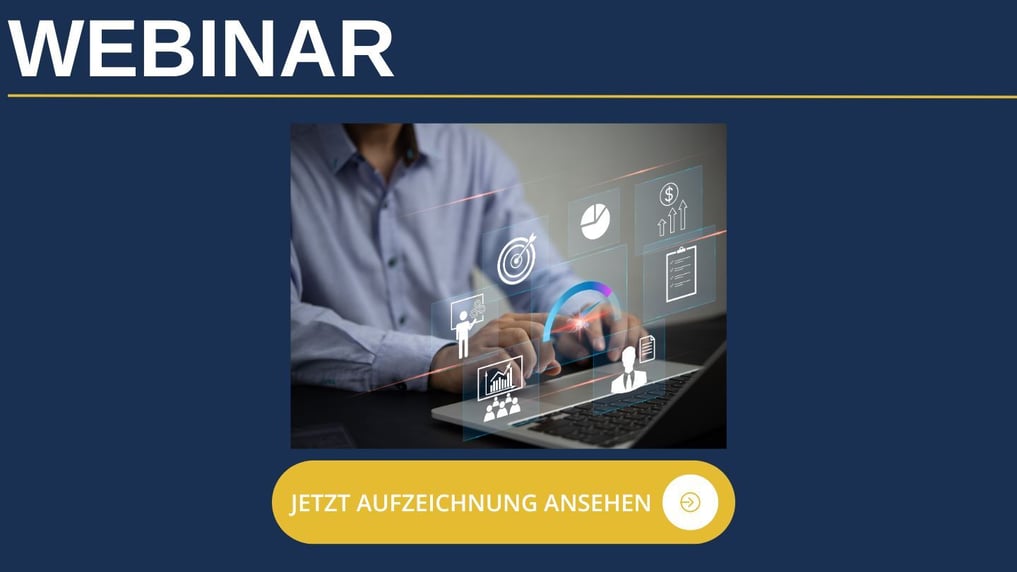
Watch the recording (in German) to see Can Do in action, including AI-supported resource planning, skills matching, early bottleneck detection and realistic scenarios.
AI-supported systems analyse historical data, patterns and relationships to enable more objective and dynamic resource planning.
By analysing earlier projects, AI can forecast how long similar features took to develop and which skills were needed.
Result: More realistic sprint plans and more reliable roadmaps.
AI identifies overload early, for example when a cloud engineer would be overbooked for the next three weeks. It can also suggest alternative resources.
Result: Bottlenecks become visible before they turn critical.
IT work depends on competence as well as capacity. AI considers roles, skills, certifications and experience.
Result: The right experts work on the right tasks, with less manual juggling.
AI can identify development trends, waiting times, team velocity and blockers.
Result: IT leaders make decisions based on data rather than intuition.
When requirements or priorities change, AI calculates new scenarios.
Result: Less planning effort and greater agility.
IT and software development organisations need to work faster, more flexibly and more efficiently than ever. AI-based resource planning provides a data-driven, automated and dynamic foundation. It creates transparency, improves predictability and reduces the burden on teams over the long term.
Companies taking this step can benefit from more efficient projects, more satisfied employees and stronger delivery performance.
For a closer look at the topic, the accompanying whitepaper offers recommendations, practical examples and analysis of AI-supported resource planning in IT.
Request the free whitepaper via the German-language page
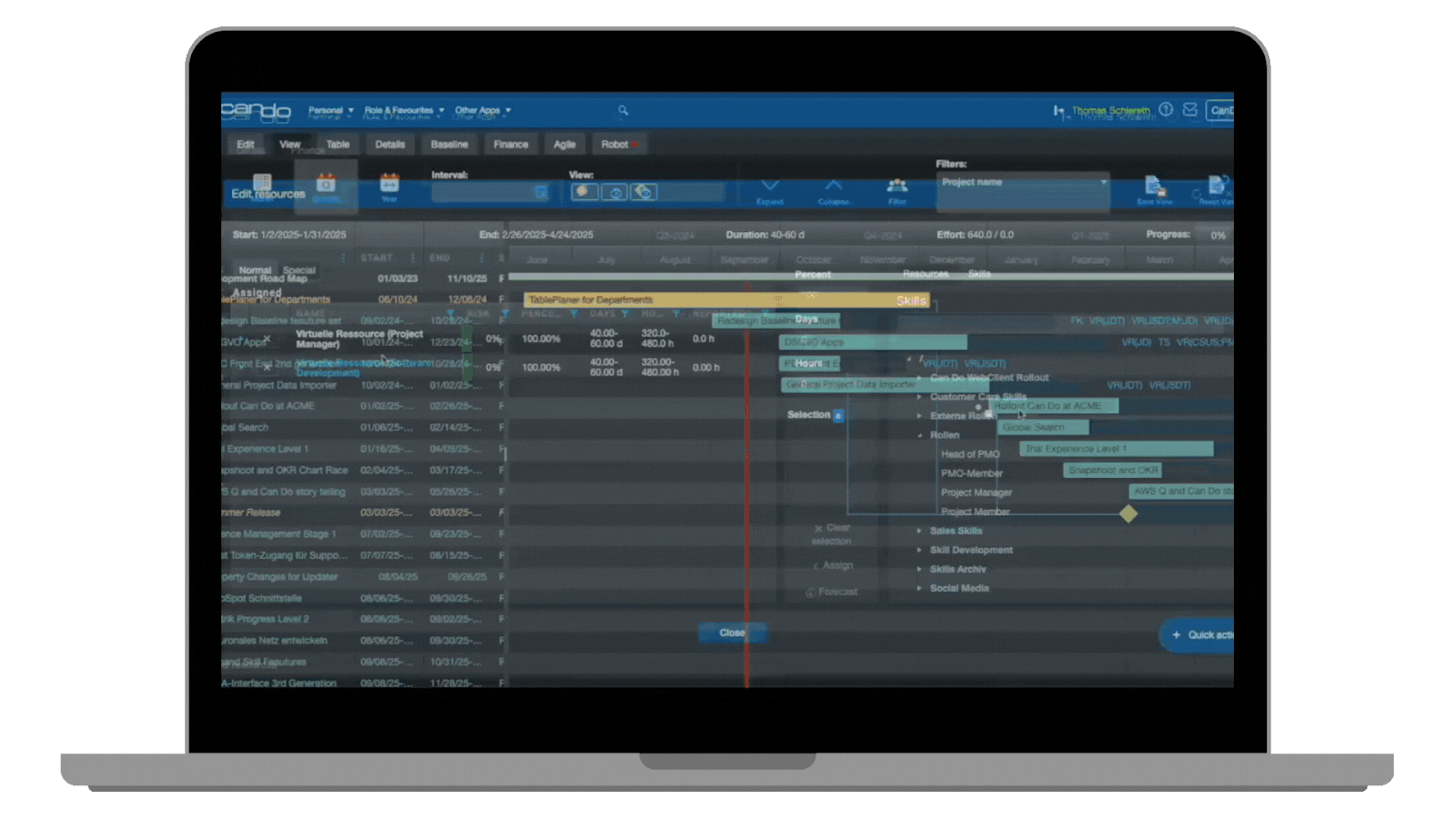
Can Do is an all-in-one solution for portfolio, project and resource management. Optimise projects, resources and risks with a platform trusted by leading German companies.
Book a free demo to experience Can Do live in 30–45 minutes and discuss your questions directly with our experts.
A short introduction to Can Do: a two-minute overview of features, benefits and use cases. Watch the introduction (in German).
AI supports planning, staffing and scheduling through pattern recognition, scenarios and forecasts, helping teams make decisions based on facts rather than intuition.
It matches role requirements with skills and availability, detects bottlenecks early and suggests alternative team configurations, including across locations.
Start with roles and skills, availability such as working hours, leave and ongoing workloads, and project history. Integrations with HR, ERP and calendar systems may also help. Better data supports more precise suggestions.
What-if simulations, predictive utilisation forecasts, resource suggestions that learn from feedback and explainable risk indicators help reduce maintenance and improve management.
Run a pilot in one or two departments or programmes, define clear KPIs such as on-time delivery, work in progress and utilisation, set compliance and qualification requirements, and use short feedback cycles.
Look for tools with explainable AI elements, such as reasons for recommendations, a clear roles and permissions framework, EU hosting options and transparent data protection processes.
 Ariane Becker
 is in continual exchange with interested parties from various industries. Her main focus is to bring the right information and suitable experts together and getting directly involved in the use cases and the software.
Redaktion : 16.11.2026
Learn how employee skills support better project staffing. Read Can Do’s English introduction to the Computerwoche ...
Redaktion : 16.11.2026
Explore portfolio systems, simulation and project approval in Can Do’s three-part project portfolio management series. ...
Redaktion : 16.11.2026
Archive: Can Do announced its Can Do Hours app for AI-supported time tracking and task planning at DIGICON 2018. Read ...